
Meyro guide
Step by step with pictures — how everything works and how to run it.
📱 Get the app
Install in a few seconds
Open meyrolive.com/app. On Android tap “Download Android app” (or “Install app”); on computers tap “Install app”. On iPhone tap Share → “Add to Home Screen” → Add. The blue dragon appears with your other apps.
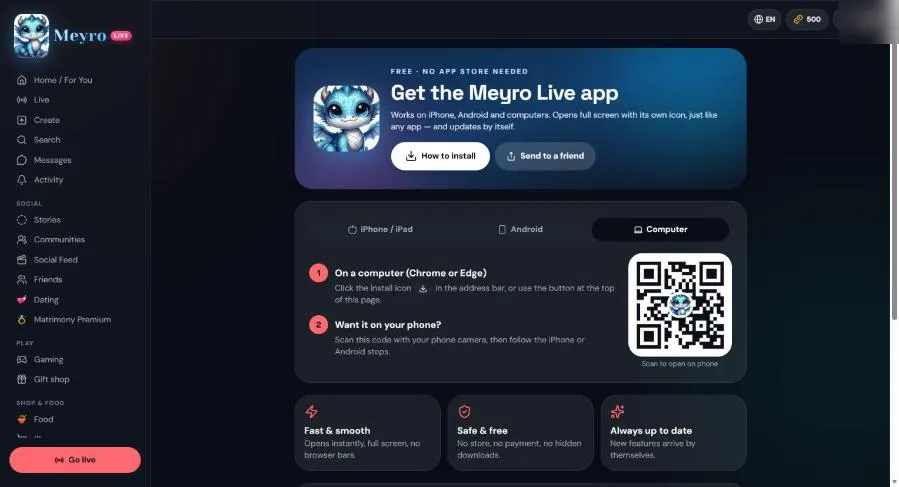 Open Get the app
🎬 Watch and create
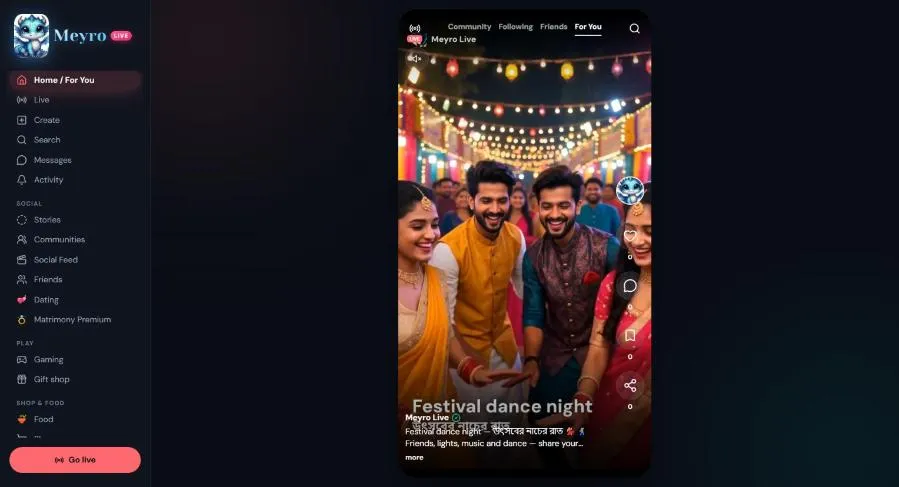
Home: swipe through videos
Swipe up for the next video. Tap ♥ to like, 💬 to comment, the bookmark to save, and the arrow to share. Tap a name to open their profile.
Create: camera, effects, music
Tap Create. Record 15 s, 60 s or 10 min, take a photo or write text. On the right: Effects (12 looks), Beauty, Grid, Timer and My music. Unfinished posts are kept in Drafts — edit and post them later.
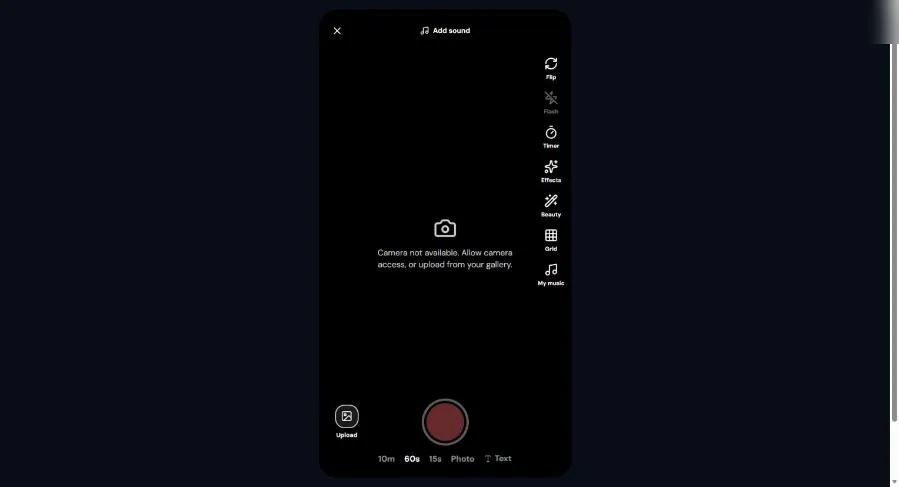 Open Create
🔴 LIVE, gifts and battles
Go LIVE
Tap “Go live”, allow camera and microphone, add a title and start. While live you can pin a product, start a 🏆 Gift challenge (a goal bar everyone sees) or a ⚔️ PK battle against another live host.
Gifts and coins
50 gifts are free (each one to 4 people a day). Others need coins — buy them in Wallet with PayPal, card, bank or QR. When someone sends a gift, everyone watching sees it fly across the screen.
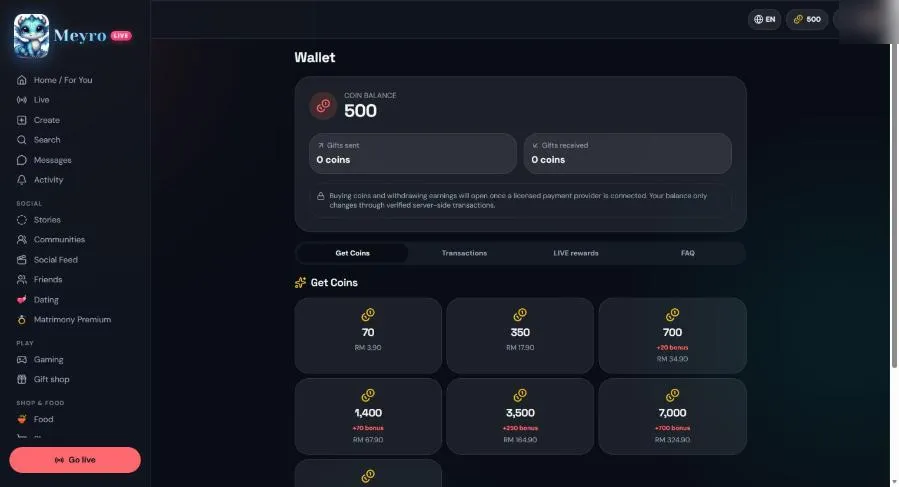 Open Wallet
🛡️ Safety and privacy
You're in control
In Settings you can make your account private, hide your online status, block or mute people, and choose who can message you. Report anything harmful with the ⋯ menu.
Open Settings
💬 Messages, feed and stories
Inbox
A green dot means the person is online. ✓ sent, ✓✓ delivered, blue ✓✓ seen. Tap 😊 for emoji. If your internet drops, your message waits and sends by itself when you're back online.
Social Feed and Stories
Share a photo or a thought with “Photo” and “Feeling”. Stories last 24 hours — add photo filters, and save any story picture to your phone.